Search precisely
Find typed values and refine candidates as state changes.
A local Windows workspace for memory searches, live values and snapshot comparisons. Bring your preferred AI client through MCP.
For game developers and technical testers.
Free and open source · MIT
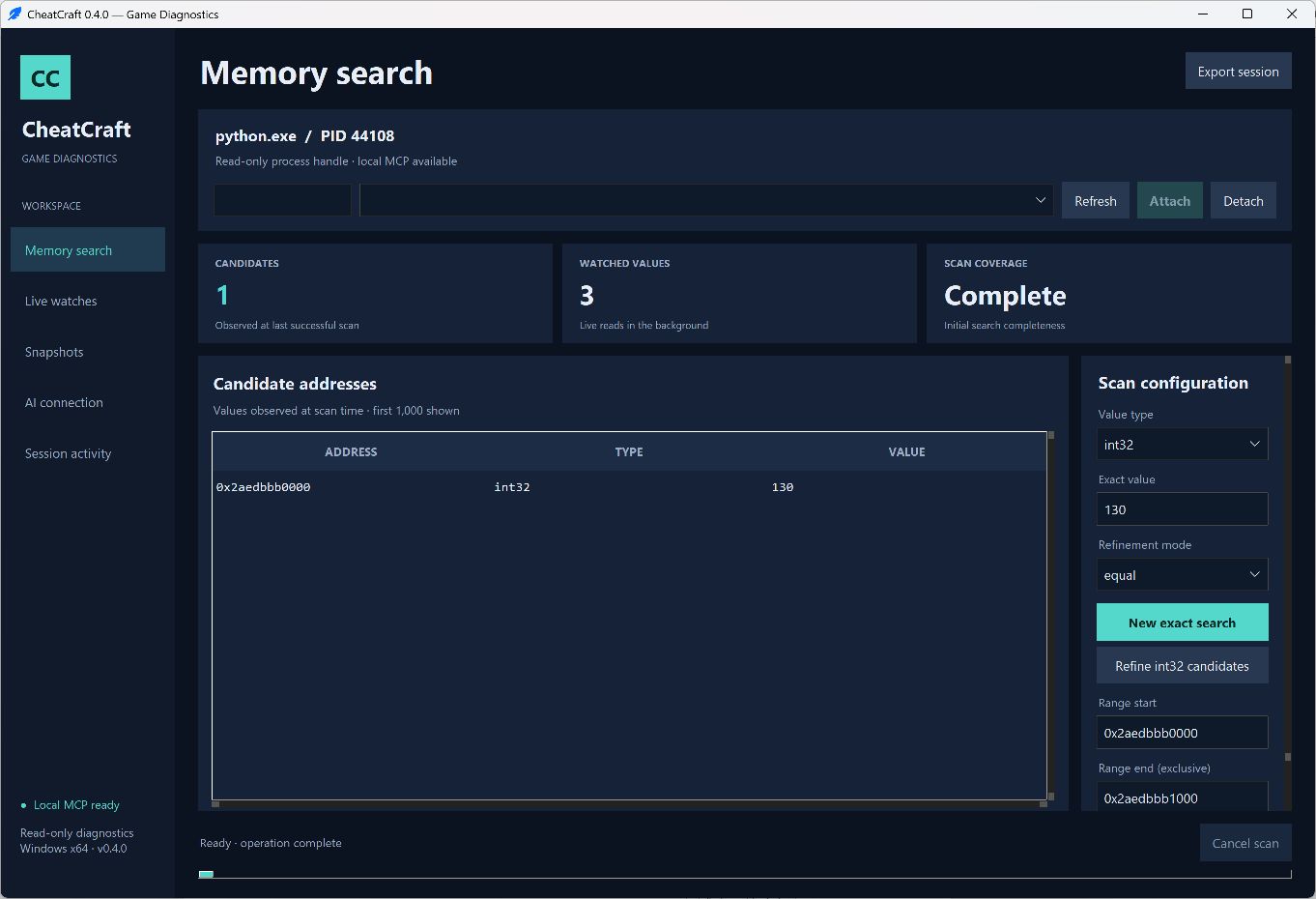
Find typed values and refine candidates as state changes.
Watch selected addresses and compare named snapshots.
Connect an MCP client to the same session selected on your desktop.
Desktop styling, process discovery and AI integration use established libraries. Memory reads use documented Windows APIs.
Documentationv0.4.0 is a source preview. Python is required. The unsigned desktop executable is not distributed because its startup was blocked during local validation.
Download source previewWindows x64 and 64-bit Python 3.11 or newer with Tcl/Tk. Download the source, run Setup.cmd, then Launch.cmd. Local checks used Python 3.14.7.
Processes you own or have permission to inspect, when Windows grants read access. CheatCraft does not bypass anti-cheat or process protections.